
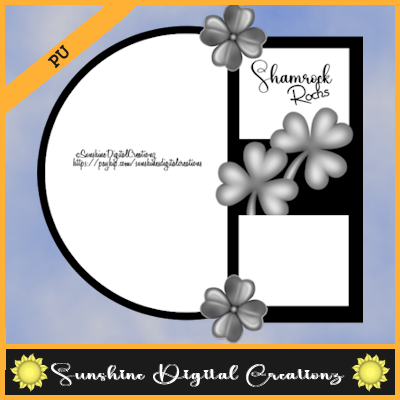
Sample Design
More Tag Templates come time for time for PU if they are
CU or CU4CU you will buy them xx
Tag Templates HERE
1. Open the Tag Template you download for free or collect from my tutorials
2. Go into the PNG Templates open the Blank Template this becomes your transparent image
3. Open Template 1 go to Edit>Copy then go over to your transparent image go to Edit>Paste into new raster layer (it should fall into place)
4. Open the rest of the templates 2 thru how many templates there is to each tag template go to Edit>Copy then go to Edit>Paste into new raster layer of your transparent image that you are building the layers of the tag template
I use my tag templates with my tutorials that I will share with you here on the blog and you can also link below
Tags Sets HERE
Blog Train HERE
Thanks for stopping by look for tutorials to be coming soon
Hugs Sunshine

No comments:
Post a Comment